Table of contents
Table of Contents
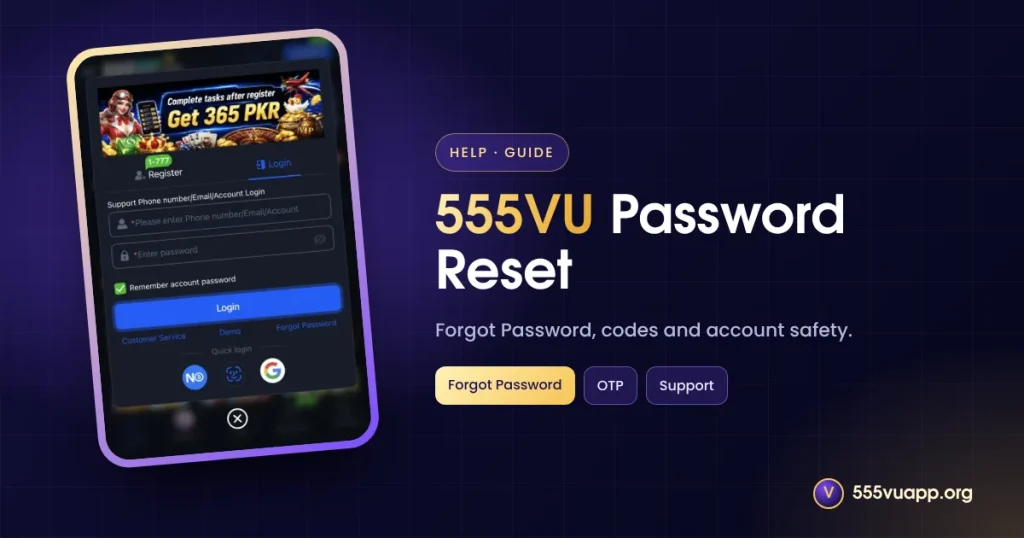
Lost access? This 555VU password reset guide shows the Forgot Password route, what to do if it fails and how to make the new password stick.
Where to Find 555VU Password Reset
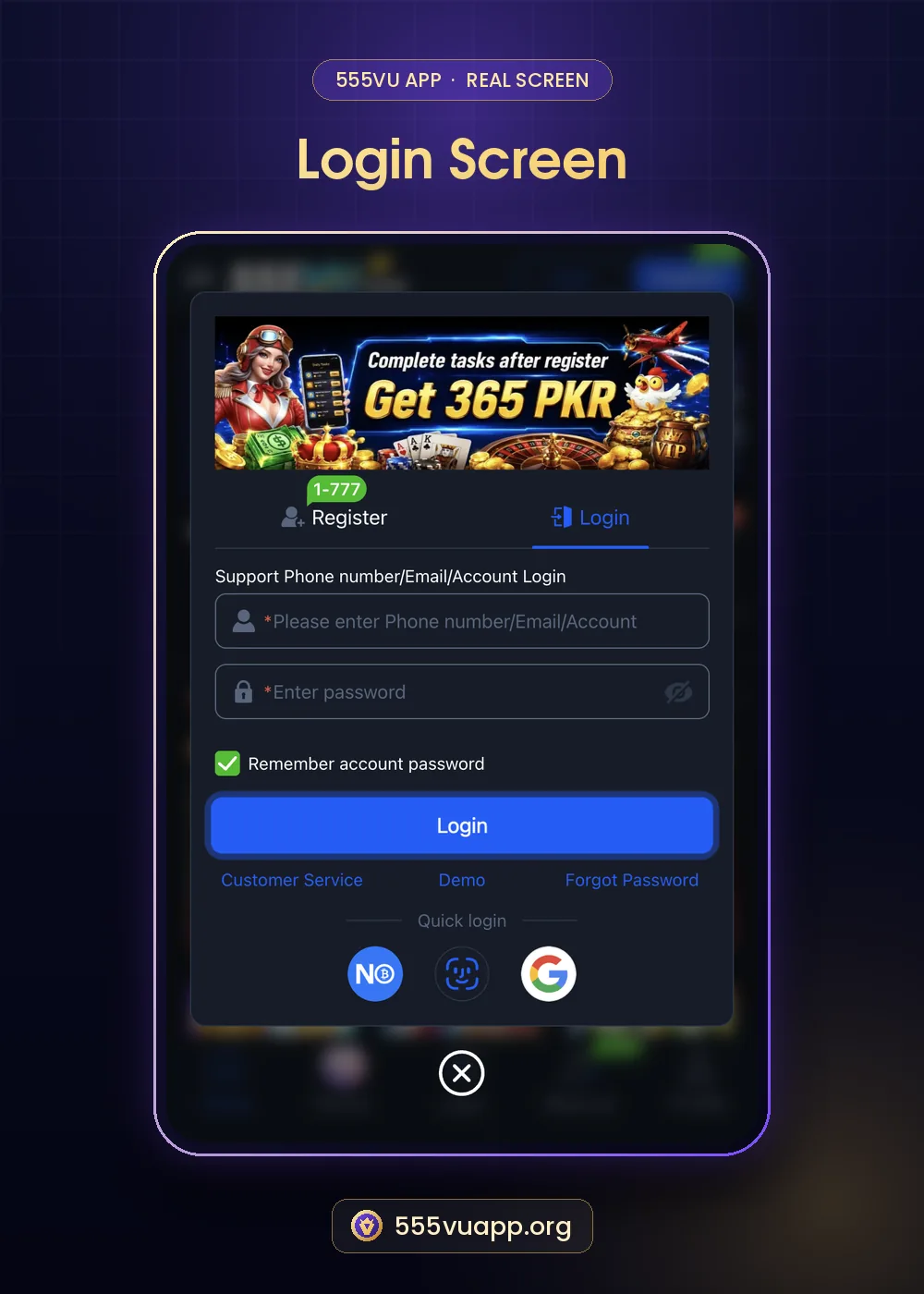
- Open Login.
- Tap Forgot Password.
- Enter your registered phone or email.
- Enter the code you receive.
- Set a new password and log in.
If the Code Does Not Arrive
| Problem | Try |
|---|---|
| No SMS | Check signal and number format, wait a minute |
| No email | Check spam |
| Registered with account name only | Contact support |
If nothing works, contact 555VU live support from inside the app with your registered details and a recent deposit record.
Making the 555VU Password Reset Stick
- Use 10+ characters with words and numbers.
- Never reuse it elsewhere.
- Store it in a password manager.
- Consider Webauthn on your own phone.
Real support never asks for your password or OTP. Anyone who does is a scammer.
If Someone Else Changed Your Password
- Reset it immediately.
- Check My Records for unknown activity.
- Tell support with screenshots.
- Check your SIM: the PTA explains how.
SIM checks: PTA website.
Glossary
| Term | Plain meaning |
|---|---|
| OTP | A one-time code |
| Password manager | An app that stores strong passwords |
Step by Step: A Stronger New Password
- Pick three unrelated words.
- Add a number and a symbol.
- Make it at least 12 characters.
- Save it in a password manager.
- Never reuse it on other sites.
Signs Someone Else Accessed Your Account
- Logins you do not recognise.
- Changes to Manage withdrawal.
- Bets in Bet record you did not place.
- Password reset emails you did not request.
After a 555VU Password Reset
Log out on other devices if the option exists, check Manage withdrawal for unknown accounts and turn on Webauthn on your own phone. These steps close most doors that a stolen password might open.
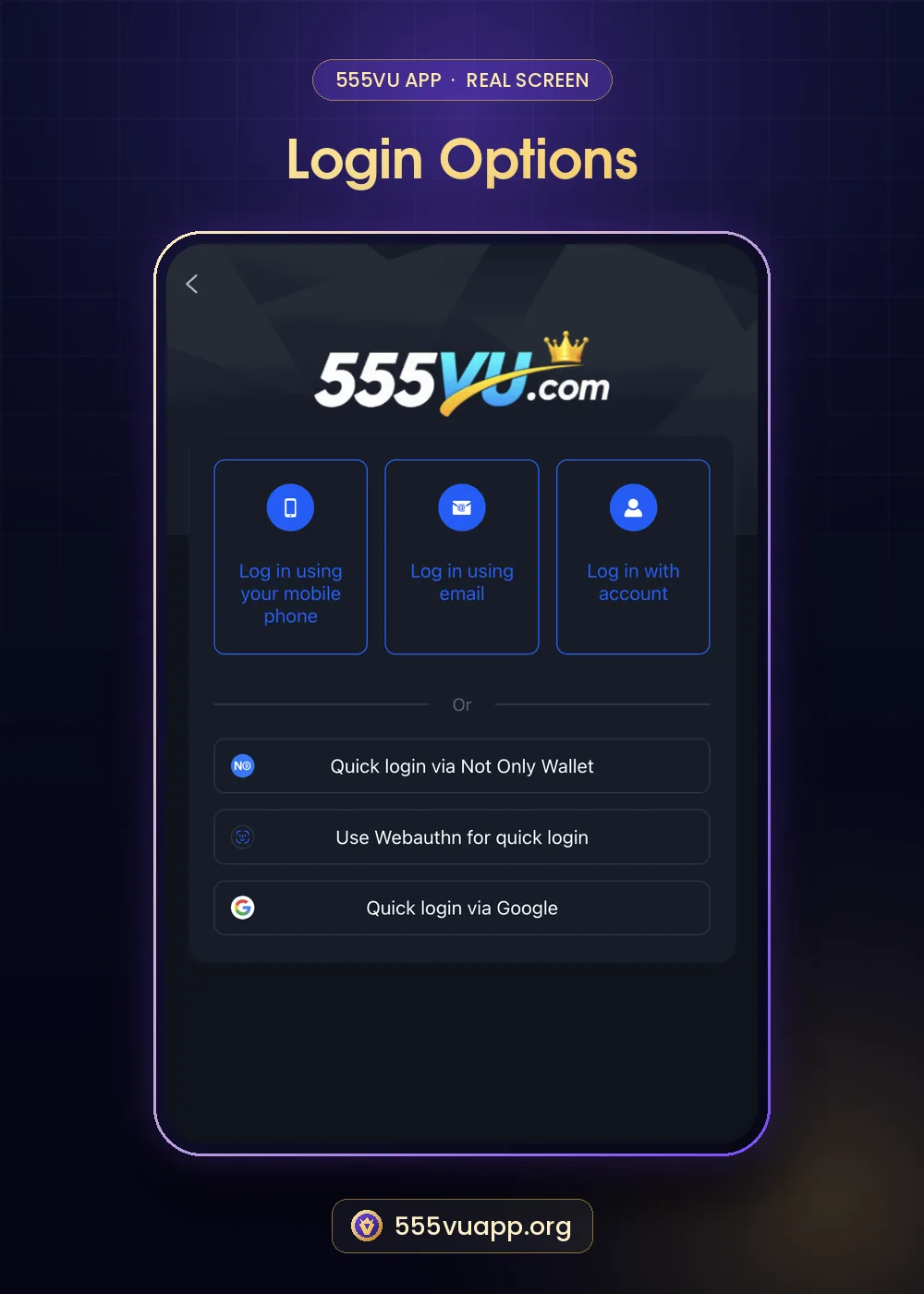
Keeping Recovery Details Current
A 555VU password reset only works if the phone or email on your account still reaches you. If you change numbers, update your details in Profile first. Players who registered with an account name only should add a phone or email as soon as possible, because support otherwise needs more proof before helping.
Quick Checklist
- Recovery phone or email up to date.
- New password saved in a manager.
- Manage withdrawal checked after any reset.
- Never share codes.
More: quick login guide.
Troubleshooting a 555VU Password Reset
| Problem | Try |
|---|---|
| Code expired | Request a new one and use it quickly |
| Wrong number shown | Contact support to update details |
| Reset link opens a strange site | Close it and use an official address |
| Too many attempts | Wait a while, then try again |
The Short Version
A 555VU password reset is quick when your phone or email is current. Make the new password long and unique, save it in a password manager, and check Manage withdrawal afterwards. Support will never ask you for the password itself.
Account Name Users: Extra Steps
If you registered with an account name and no phone or email, a 555VU password reset may need support to verify you. Keep proof ready: the account name, your usual deposit method, recent deposit amounts and dates. Then add a phone or email to the account as soon as you are back in, so next time the reset is automatic.
555VU Password Reset FAQ
How long does a 555VU password reset take?
Usually minutes once the code arrives.
Can support see my password?
No, and they should never ask for it.